 Canada

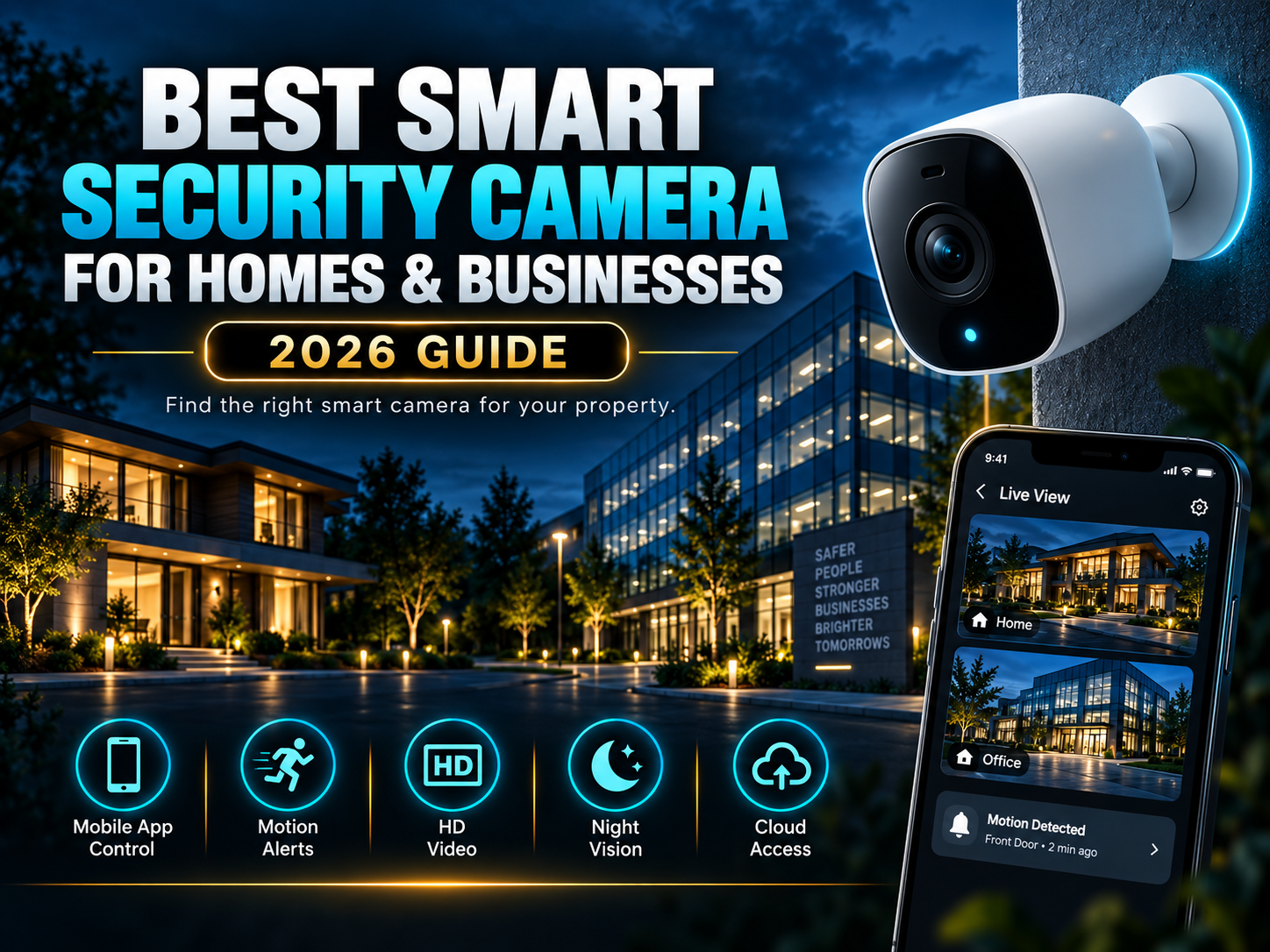
Every smart security camera on the market claims to be the best, but the right choice really comes down to what you're trying to protect. A homeowner watching a front porch has very different needs than a business monitoring a warehouse floor. Instead of chasing the flashiest spec sheet, this guide walks through what actually makes a smart security camera worth buying, and which type fits different homes and businesses.
If you're still deciding between camera technologies, our guide on types of security cameras is a good starting point before you narrow things down to a specific smart camera setup.
What Makes a Smart Security Camera "the Best"?
Not every smart home camera on the market delivers the same value. The best smart security camera options generally share these qualities:
- Reliable motion detection: distinguishes between people, vehicles, and everyday movement (pets, tree branches) to cut down on false alerts
- Clear video quality: HD or 4K resolution with strong night vision, since footage is only useful if you can actually see what happened
- Remote access: live viewing and playback from a smartphone app, from anywhere
- Flexible storage: local (SD card) and cloud storage options, so you're not locked into one method
- Two-way audio: lets you speak through the camera, useful for deterring intruders or greeting visitors
- Weatherproofing: a proper outdoor rating (look for IP66 or higher) if the camera will be exposed to the elements
- Smart integration: works with your existing alarm, smart lock, or access control system instead of running as an isolated device
Best Smart Security Camera by Use Case
Best for Home Front Doors and Entryways
For monitoring who comes and goes, a smart home camera with a wide field of view and person/package detection is the priority. Two-way audio is especially useful here, letting you speak to delivery drivers or visitors without opening the door.
Best for Backyards and Outdoor Areas
Outdoor spaces need a weatherproof smart camera security setup with strong night vision and a wide detection range. Battery-powered or wire-free options work well for spots without easy access to power, while wired cameras offer more reliable, continuous coverage.
Best for Small Businesses
Small businesses benefit most from cloud-based smart cameras with remote, multi-location viewing, so an owner can check in on a store or office from anywhere. Look for models that support multiple user logins, so staff can be given limited, role-appropriate access to footage.
Best for Larger Commercial Properties
Bigger properties need a system that scales, meaning PoE (Power over Ethernet) smart IP cameras connected to an NVR. This setup combines the smart features of modern cameras with the reliability and expandability that wireless-only systems can't always match.
Smart Security Camera vs. Traditional CCTV: A Quick Note
If you're weighing whether a smart camera is even the right direction for your property, our CCTV vs. smart security cameras comparison breaks down exactly when each technology makes more sense. In short: smart cameras win on convenience and remote access, while CCTV still holds an edge for large-scale, continuous recording that doesn't depend on Wi-Fi.
Features Worth Paying Extra For
Not every feature is worth the added cost, but a few genuinely improve day-to-day usefulness:
- AI-based person/vehicle detection meaningfully cuts down false alerts compared to basic motion sensors
- Local storage options reduce or eliminate ongoing subscription costs
- Color night vision makes footage far more useful for identifying people or vehicles after dark
- Smart home/security integration lets your camera trigger other actions, like locking a door or sounding an alarm
Features That Often Aren't Worth the Upsell
- Extremely high resolutions (8K) rarely add practical value for most home or small business setups and eat up significant storage
- Overly complex app ecosystems with features you'll never use can make day-to-day monitoring more frustrating, not less
How to Choose the Right Smart Security Camera for Your Property
- Map out what you actually need to see – entry points, parking areas, high-value rooms
- Decide on power and connectivity – battery/Wi-Fi for flexibility, wired/PoE for reliability and scale
- Check storage costs upfront – factor in any subscription fees over a year, not just the camera price
- Confirm integration – make sure it works with any existing alarm or access control system
- Get professional input for larger properties – a mixed setup (smart cameras plus PoE/NVR) usually outperforms a single all-in-one product
Final Verdict
There's no single smart security camera that's best for every property. Homeowners generally do well with a wireless smart home camera at the front door and a couple of weatherproof units covering the yard, while businesses, especially larger or multi-location ones, benefit from PoE-based smart camera systems that scale properly and integrate with existing security infrastructure.
At United Security, we help homeowners and businesses across the GTA choose and install the right smart camera security setup for their property, without pushing an unnecessary, one-size-fits-all package.
Not sure which smart camera fits your property? Contact us at 1-800-466-3348 to speak with a security specialist today from United Security and get a free, no-obligation consultation.