 Canada

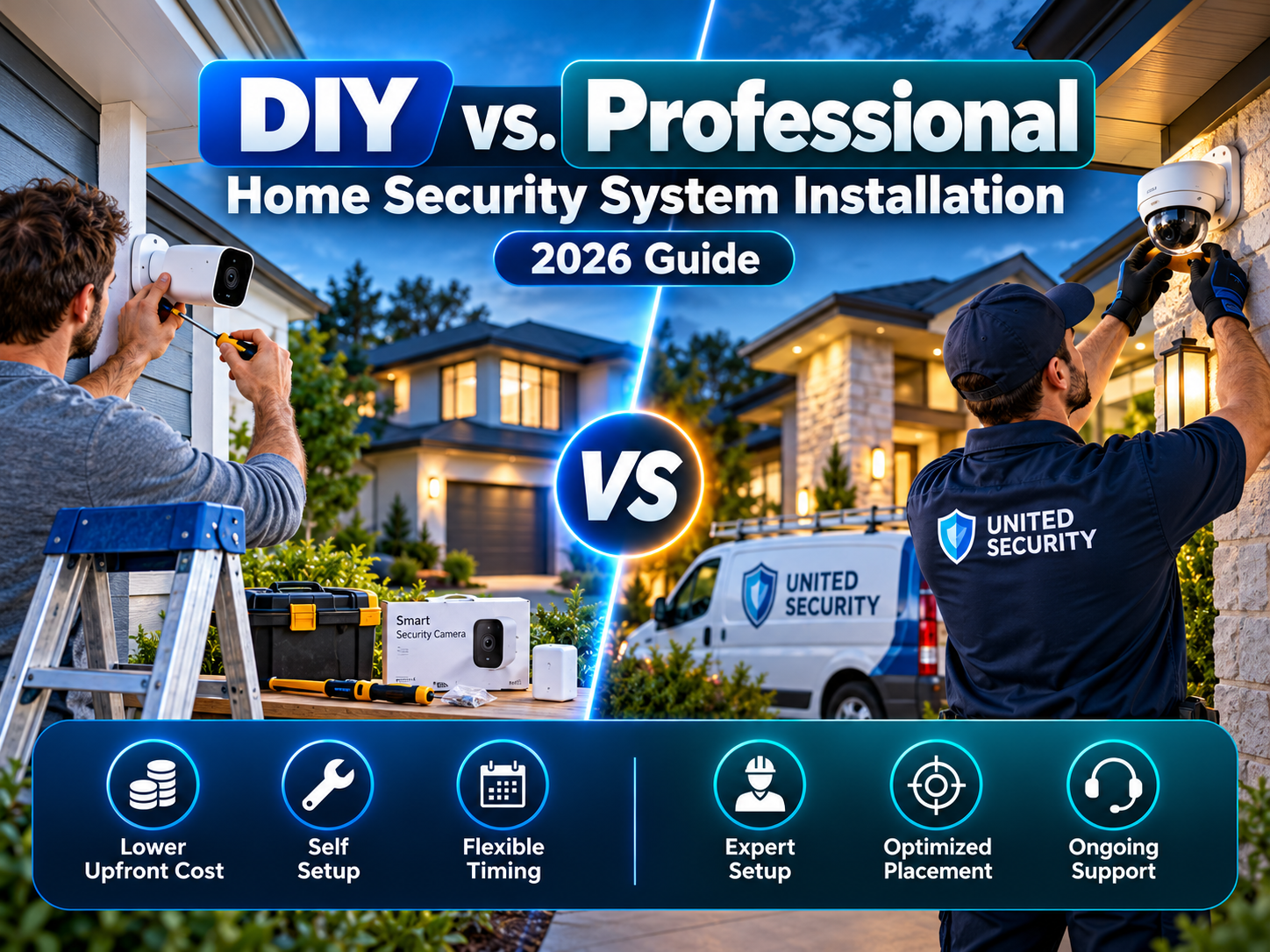
Ten years ago, the choice was simple: hire a company, wait for a technician, sign a contract. Today a boxed kit from a hardware store can be running in an afternoon, and that has turned home security systems installation into a real decision. Do you set it up yourself, or hand it to someone who does this every day?
Neither answer is automatically right. The better question is which option fits your home, your comfort with technology, and how much responsibility you want for the system once it's up. This guide walks through both routes honestly, including where each one tends to go wrong.
What Is DIY Home Security?
DIY home security means you buy the equipment, decide where it goes, mount it, and connect it to your Wi-Fi or hub yourself. Most kits today are wireless and peel-and-stick, so there's little or no drilling and no wiring. Setup is guided through a phone app.
You also choose how the system is watched. Many DIY systems default to self-monitoring, where your phone gets the alert and you decide what to do next. Some offer paid professional monitoring as an add-on.
What Is Professional Home Security?
With professional home security, a licensed technician designs the layout, installs the equipment, tests it, and shows you how to use it. The system is usually tied to a monitoring centre that watches for alarms around the clock, and service visits are available if something breaks.
In practice, a professional installation is as much about design as it is about labour. A good installer looks at how your house is actually built and used, not just at what's in the box.
DIY vs. Professional Installation: Side-by-Side
| Factor | DIY Home Security | Professional Home Security |
|---|---|---|
| Upfront cost | Usually lower, you pay for equipment only | Higher, equipment plus installation, sometimes bundled with a contract |
| Setup time | Same day, at your own pace | Requires booking an appointment and being home |
| Layout and placement | You decide, based on your own judgment | Planned by someone trained to spot weak points |
| Equipment | Standard kits, easy to expand piece by piece | Often tailored to the property, with more hardware options |
| Monitoring | Often self-monitored, with paid monitoring optional | Typically professionally monitored 24/7 |
| Troubleshooting | You handle it, with support from the manufacturer | The provider handles service calls |
| Moving house | Easy to pack up and take with you | Often tied to the property or the contract |
| Contract | Often none or month-to-month | Frequently a fixed term |
Where DIY Home Security Works Well
DIY is a strong fit when the job is straightforward:
- Condos, apartments, and rentals, where you can't drill or alter the unit and want something you can take with you
- Smaller homes with a handful of doors and windows
- Tech-comfortable owners who don't mind following setup steps and adjusting settings
- Tighter budgets, or a wish to start small and add devices over time
- A first system, where you want to test what you actually use before committing to something larger
Where DIY Home Security Falls Short
The weak spots tend to be the ones you can't see on a product page:
- Placement mistakes. A camera pointed into afternoon sun or mounted too high to catch faces records footage that's useless when you need it.
- Coverage gaps. People usually protect the front door and forget the garage, a side entrance, or a basement window.
- Cold-weather performance. Battery-powered sensors and cameras can lose charge faster through a Canadian winter, and a weak Wi-Fi signal at the edge of the house can cause dropouts.
- You are the monitoring. If an alert comes in while you're asleep, in a meeting, or travelling, nobody else may act on it.
Where Professional Installation Pays Off
Hiring a professional makes the most sense when the stakes or complexity are higher:
- Larger or multi-storey homes, or properties with outbuildings, long driveways, or detached garages
- Wired and hybrid setups, where reliable power and connectivity matter more than convenience
- Integrated systems, where alarms, cameras, smart locks, and access control need to work together
- Owners who want less to manage, with one provider responsible for the system
- Insurance considerations, since some insurers look favourably on professionally installed and monitored systems (confirm the details with your own insurer)
Where Professional Installation Can Disappoint
It isn't flawless either. Watch for:
- Upselling. Some providers push more equipment than your home needs. Ask what specific risk each add-on addresses.
- Long contracts and early-termination fees. Read the term length and what happens if you move.
- Proprietary equipment. Some systems only work with that provider's hardware, which limits your options later.
- Scheduling. You may wait days or weeks for an install slot.
The Hybrid Option
You don't have to choose all-or-nothing. A hybrid approach is increasingly common:
- Install the main system professionally, then add extra cameras or sensors yourself later
- Self-install wireless equipment, then connect it to professional monitoring
- Have a professional assess your property and recommend a layout, then install the equipment yourself
Before buying, confirm that the equipment you choose can actually connect to the monitoring service you want. Not every system accepts third-party gear.
Decision Guide: Which Is Right for Your Home?
Answer these honestly:
- Do you rent, or plan to move within a couple of years? Lean DIY.
- Is your home larger than a typical house, or hard to cover? Lean professional.
- Are you comfortable troubleshooting Wi-Fi and apps? If not, lean professional.
- Will someone reliably respond to alerts when you can't? If not, you need professional monitoring either way.
- Do you want everything to work together (alarm, cameras, locks)? Lean professional or hybrid.
- Is your budget the main constraint? Start with DIY and add monitoring.
If your answers split evenly, a hybrid setup is usually the safest middle ground.
Before You Install Anything: A 10-Minute Walkthrough
Whichever route you take, do this first. Walk around your home once as if you were trying to get in unnoticed. Note every door, ground-floor window, and shadowy corner, and mark where someone could approach without being seen. Then plan equipment around those points instead of buying devices first and figuring out placement afterwards. Our smart home security checklist is a handy companion for this step, and it's worth reading through the common home security mistakes that apply to both DIY and professional setups.
Final Verdict: Which is Best for You?
DIY home security gives you flexibility, a lower starting cost, and control, as long as you're willing to plan the layout carefully and take responsibility for alerts. Professional home security gives you expertise, a tested design, and ongoing support, at a higher price and with less flexibility. For smaller homes and rentals, DIY is often enough. For larger properties, complex layouts, or anyone who wants a system that simply works without supervision, professional installation tends to be the better investment.
At United Security, we help homeowners across the GTA with home security systems installation, from a professional design and install to advice for customers who want to take a hybrid route. We'll assess your property and tell you honestly what it needs, and what it doesn't.
Not sure whether to go DIY or professional? Contact us at 1-800-466-3348 to speak with a security specialist today from United Security and get a free, no-obligation consultation.