 Canada

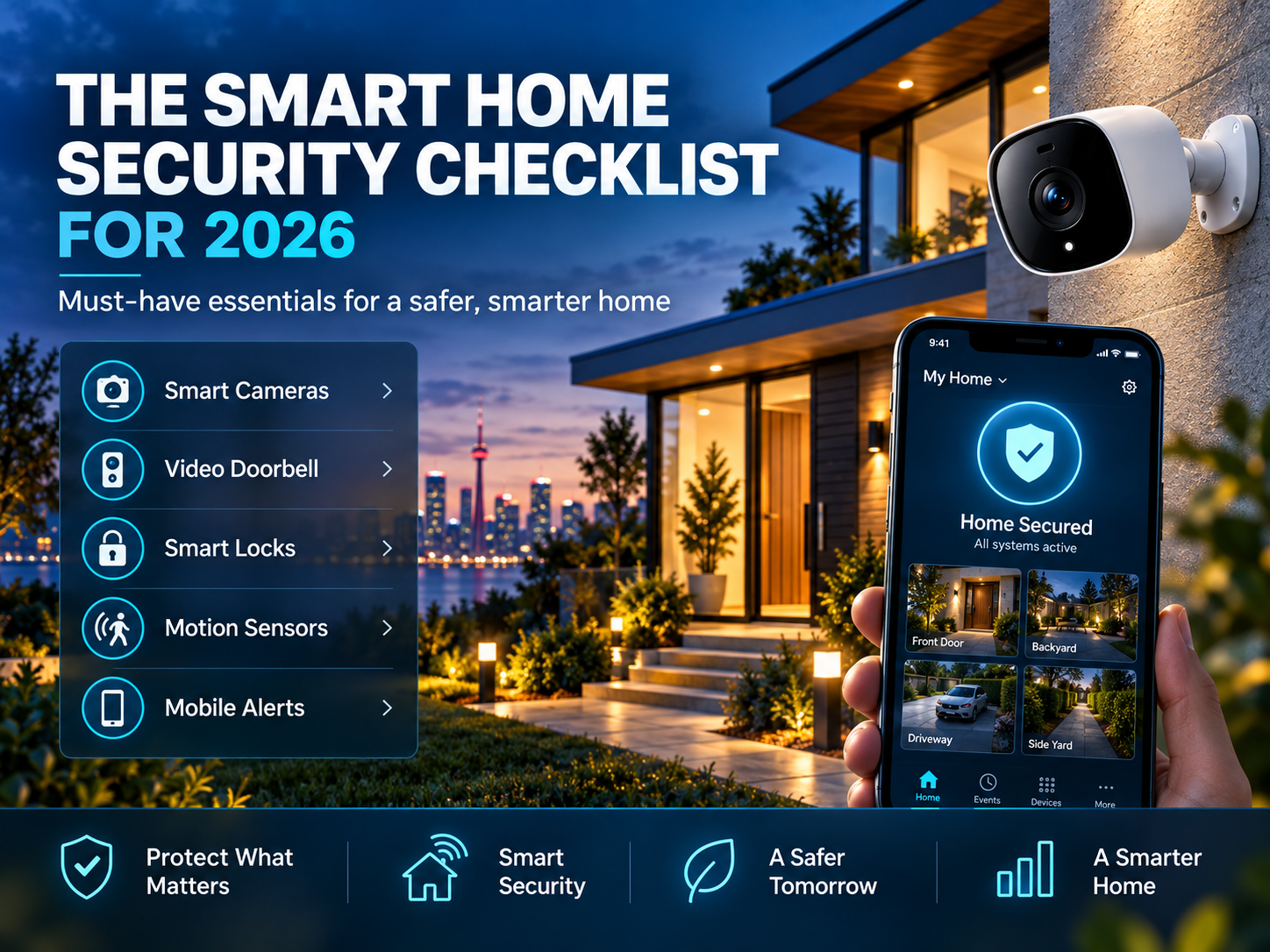
A modern home security setup is no longer just a lock on the door and a loud alarm. In 2026, most homes run a connected mix of cameras, sensors, smart locks, and apps, which means protecting your home now involves two things: securing the physical property and securing the smart devices watching over it. This checklist covers both, so nothing gets missed.
Physical Security Checklist
Start with the fundamentals. No amount of smart technology makes up for a weak physical entry point.
- Deadbolts installed on all exterior doors
- Door frames and hinges checked for damage or weak screws
- Window locks functional on all ground-floor windows
- Sliding doors and patio doors secured with a bar or pin lock
- Garage door locked and garage-to-house door secured separately
- Spare keys not hidden in obvious outdoor spots
- Outdoor lighting installed at entry points, ideally motion-activated
- Landscaping trimmed back from windows and doors to remove hiding spots
Camera and Sensor Checklist
Cameras and sensors are the eyes and ears of a modern home security setup. Coverage and placement matter as much as the equipment itself.
- Cameras covering all main entry points (front door, back door, garage)
- Driveway or perimeter coverage for vehicles and approach paths
- Video doorbell installed at the front entrance
- Door and window sensors on all ground-floor access points
- Glass-break sensors in rooms with large windows
- Motion sensors covering main living areas
- Night vision confirmed working on all outdoor cameras
- Camera angles reviewed for blind spots
Alarm and Monitoring Checklist
The alarm system ties everything together and determines how quickly you (or a monitoring team) find out about a problem.
- Alarm system professionally installed or properly self-installed
- 24/7 professional monitoring active, if included in your plan
- Backup battery in place for power outages
- Cellular backup active in case Wi-Fi goes down
- Emergency contacts and entry instructions up to date with your monitoring provider
- System actually armed when the home is empty, not just installed and forgotten
Smart Device and Network Security Checklist
This is the part most home security checklists skip, but it's just as important as the physical setup. A smart camera or lock is only as secure as the network and account behind it.
- Default passwords changed on every smart device (cameras, locks, hubs)
- Two-factor authentication enabled on security app accounts
- Router firmware and admin password updated
- Smart home devices placed on a separate guest or IoT network, away from personal devices
- Unused remote access or sharing features disabled on cameras
- Device firmware and app updates checked and installed
- Old users removed from smart lock and camera access (former tenants, contractors, previous owners)
- Devices no longer receiving security updates identified and replaced or isolated
Access and Permissions Checklist
Especially important if multiple people, or a rotating group of visitors, have access to your home.
- Smart lock codes reviewed, unused or shared codes deleted
- Individual codes assigned per person where supported, instead of one shared code
- App access reviewed for anyone who no longer needs it (past house-sitters, cleaners, contractors)
- Family members know how to arm/disarm the system and use the app
Seasonal and Maintenance Checklist
Home security isn't a one-time setup, it needs a recurring review, especially with Canadian winters affecting equipment.
- Camera lenses and sensors checked for snow, ice, or debris buildup
- Outdoor equipment inspected for weather damage twice a year
- Batteries in sensors and locks tested before winter
- Full system test performed (alarm, cameras, sensors) every 6 months
- Vacation/away-mode settings tested before extended trips
Before You Travel: Quick Away-Mode Checklist
- All doors and windows locked and confirmed via app
- Alarm system armed in "away" mode
- Lighting set to automated schedules to simulate presence
- Mail and package delivery paused or arranged for pickup
- Trusted neighbour or contact given emergency access information
- Vacation plans kept off public social media until you're back
Common Mistakes to Avoid
- Installing devices but never arming the system: the most effective setup is useless if it's not actually turned on
- Ignoring firmware updates: outdated device software is one of the most common smart home vulnerabilities
- Leaving default passwords unchanged: this remains one of the easiest ways smart devices get compromised
- Skipping the handoff: if you sell your home or a tenant moves out, make sure old users and codes are fully removed from every device
Final Verdict
A truly secure smart home checklist covers more than cameras and alarms — it includes the physical basics, the technology layered on top, and the ongoing habit of reviewing both. Running through this checklist twice a year keeps your home security setup working the way it's supposed to, instead of quietly falling out of date.
At United Security, we help homeowners across the GTA design, install, and maintain complete home security systems, covering everything from physical entry points to cameras, alarms, and smart integration, so nothing on this checklist gets left to chance.
Want help running through this checklist for your home? Contact us at 1-800-466-3348 to speak with a security specialist today from United Security and get a free, no-obligation consultation.