 Canada

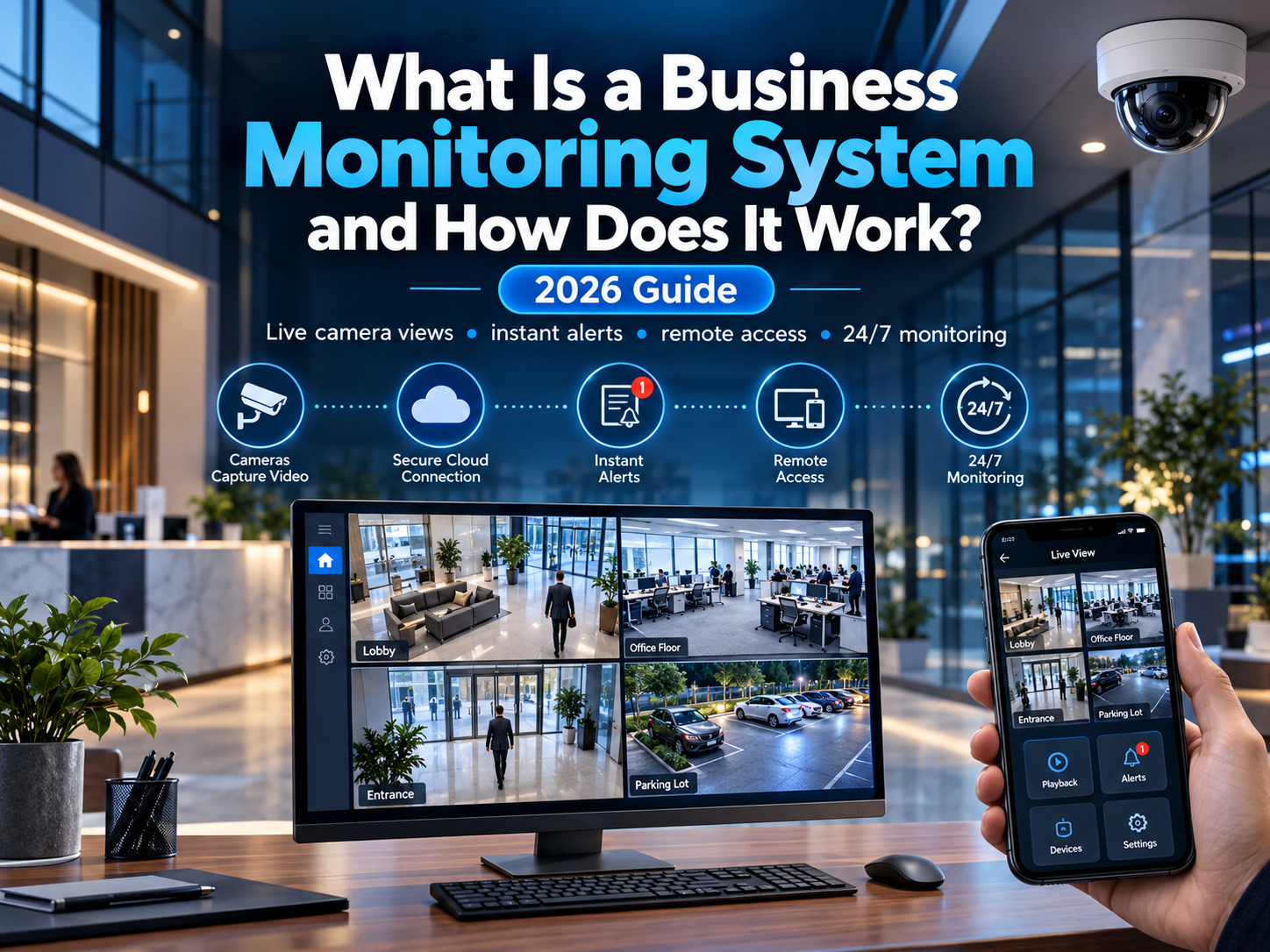
A business can install every camera, sensor, and alarm on the market and still be left exposed if nobody is actually watching when something happens. That's the gap a business monitoring system is built to close. This guide explains exactly what a business monitoring system is, how it works behind the scenes, and why it's quickly become one of the most important parts of modern commercial security.
What Is a Business Monitoring System?
A business monitoring system is a service that connects your alarms, sensors, and cameras to a professional monitoring centre, so your property is actively watched 24/7, not just recorded. When an alarm triggers, a monitored system automatically sends a signal to trained operators who assess the situation and respond immediately, rather than leaving that responsibility to an unanswered notification on someone's phone.
It's the difference between a system that simply makes noise when triggered, and one that actually gets someone looking into what happened, every time, day or night.
Key Components of a Business Monitoring System
A complete business monitoring system typically combines several pieces working together:
- Alarm system: detects unauthorized entry, fire, or other emergencies through door/window sensors and motion detectors
- Security cameras: provide visual verification of what triggered an alert, in real time or through recorded footage
- Access control: manages who can enter specific areas and logs entry activity
- Control panel: the central hub connecting all devices and communicating with the monitoring centre
- Monitoring connection: a cellular, internet, or hybrid connection linking your system to a 24/7 monitoring centre
- Mobile app: lets owners arm, disarm, and check in on the system remotely from anywhere
How Does a Business Monitoring System Work?
Here's what actually happens, step by step, when a monitored business security system is triggered:
- Detection: a sensor, camera, or alarm component detects unusual activity, an open door after hours, broken glass, motion in a restricted area, or smoke
- Signal sent: the system immediately transmits an alert to the professional monitoring centre
- Verification: trained operators review the alert, often using live camera footage, to determine whether it's a genuine emergency or a false alarm
- Response: if the threat is confirmed, the monitoring centre contacts the business owner, designated contacts, or dispatches emergency services directly
- Follow-up: many monitoring services log the incident and provide a report, helping business owners track patterns or recurring issues over time
This entire process typically takes place within seconds of an alert being triggered, far faster than most business owners could realistically respond on their own.
Monitored vs. Self-Monitored Systems: What's the Difference?
| Factor | Monitored System | Self-Monitored System |
|---|---|---|
| Who responds | Trained professionals, 24/7 | The business owner or staff |
| Response time | Typically within seconds | Depends entirely on who sees the alert and when |
| After-hours coverage | Full coverage, nights, weekends, holidays | Relies on someone checking their phone |
| False alarm verification | Operators confirm before dispatching | No verification step, owner decides |
| Ongoing cost | Monthly monitoring fee | Lower cost, no monitoring subscription |
Self-monitoring can work for very small operations with low risk, but for most businesses, the gap in after-hours coverage and response time is a significant trade-off.
Why Every Business Needs a Monitoring System
- 24/7 protection: a business can't be watched around the clock by staff alone, monitoring fills that gap entirely
- Faster response to emergencies: monitored systems cut the time between an incident and a response from potentially hours to seconds
- Covers more than just break-ins: most systems also monitor for fire, smoke, flooding, and even temperature changes that could damage inventory
- Deterrence: visible alarm signage and monitored cameras signal to anyone considering a break-in that the property is actively protected
- Remote oversight: owners can check in on their business from anywhere, without needing to be physically present
- Supports insurance and compliance: many insurers offer reduced premiums for professionally monitored systems, and some industries require documented security measures
What to Look for in a Business Monitoring System
- True 24/7 monitoring, not just app notifications with no human follow-up
- Backup connectivity (cellular backup if internet or power goes down)
- Scalability to add cameras, sensors, or locations as the business grows
- Integration between alarms, cameras, and access control, rather than separate, disconnected tools
- Clear reporting so you can review incidents and system activity over time
Final Verdict
A business monitoring system turns a standard alarm setup into an active, round-the-clock layer of protection, detecting issues, verifying them, and getting a real response moving within seconds. For most businesses, the combination of faster response times, after-hours coverage, and professional verification makes monitoring one of the highest-value upgrades to an existing security setup.
At United Security, we design and monitor complete business security systems across the GTA, combining alarms, cameras, and access control into one connected, professionally monitored setup.
Want 24/7 professional monitoring for your business? Contact us at 1-800-466-3348 to speak with a security specialist today from United Security and get a free, no-obligation consultation.