 Canada

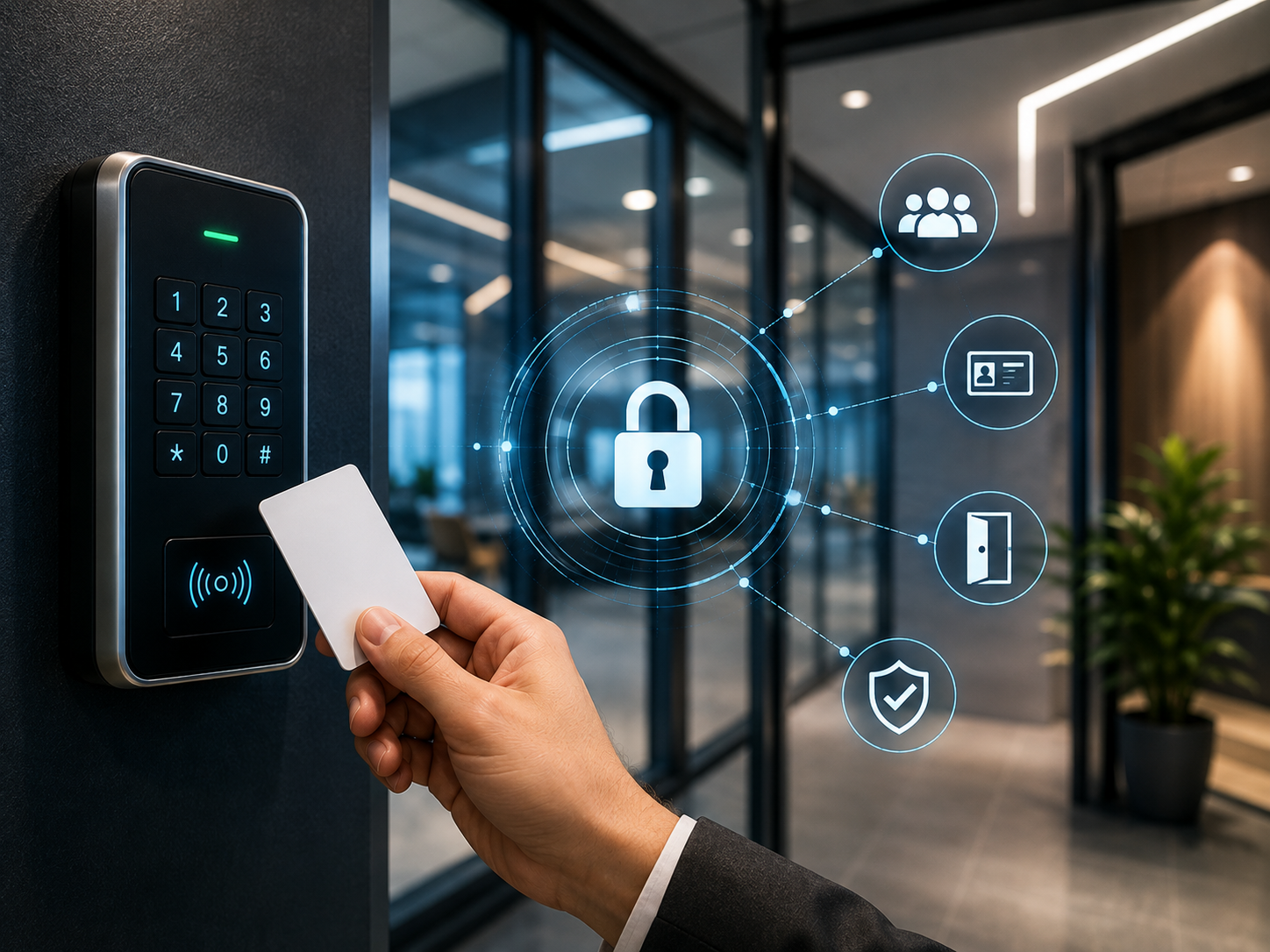
Keys get lost. Locks get picked. And once someone copies a key, you have no real way of knowing who else has access to your building. This is exactly the problem access control systems were built to solve and it's why they've become a standard part of modern home and business security across the GTA.
If you've ever wondered what an access control system actually is, how it works, and whether your home or business needs one, this guide breaks it down in plain terms.
What Is an Access Control System?
An access control system is a security solution that manages who can enter a specific building, room, or area and when they're allowed to do so. Instead of relying on a physical key, it uses electronic credentials like key cards, fobs, PIN codes, mobile apps, or biometrics (fingerprint or facial recognition) to verify a person's identity before granting entry.
In simple terms: it replaces "who has a key" with "who is authorized," and gives you full visibility into every entry, every time.
How Does an Access Control System Work?
Every access control system operates on the same basic principle identify, authenticate, and authorize — but the process happens in a few connected steps:
- 1. Identification: the person presents a credential a key card, key fob, PIN, mobile app, or biometric scan at a reader mounted near the door
- 2. Authentication: the system checks that credential against its database to confirm the person is who they claim to be
- 3. Authorization: if the credential is valid, the system checks whether that specific person has permission to enter that specific door, at that specific time an employee might have access to the main office but not the server room, or access only during business hours
- 4. Access Granted or Denied: if everything checks out, the door unlocks usually through an electronic strike, magnetic lock, or motorized lock connected to the system. If not, entry is denied and, depending on the setup, an alert can be sent
- 5. Logging: every attempt — successful or not — is recorded with a timestamp and user ID, creating a full audit trail of who came and went, and when
Key Components of an Access Control System
- Credentials: key cards, fobs, PIN codes, mobile credentials, or biometric data used to identify a user
- Readers: devices mounted at entry points that scan or accept the credential
- Access Control Panel: the "brain" of the system that processes requests and makes the grant/deny decision
- Electronic Locks: magnetic locks or electric strikes that physically secure the door and release it on approval
- Management Software: the interface used to add or remove users, set permissions, and review access logs, often accessible remotely via a mobile app
Types of Access Control
Not every building needs the same level of complexity. The three most common models are:
| Model | How It Works | Best For |
|---|---|---|
| Discretionary Access Control (DAC) | The property or business owner decides who gets access to what | Smaller operations wanting simple, flexible control |
| Role-Based Access Control (RBAC) | Access is assigned based on a person's role rather than individually | Larger teams, since permissions update automatically as roles change |
| Mandatory Access Control (MAC) | A strict, centrally controlled model | High-security environments like government or data facilities |
Why Access Control Matters for Homes and Businesses
- Stronger security: only authorized individuals can enter restricted areas, significantly reducing the risk of theft, vandalism, or unauthorized entry
- No more re-keying: lost a key card or an employee left the company? Simply deactivate their credential instead of replacing every lock
- Complete audit trails: detailed access logs help with investigations, compliance requirements, and simply knowing who was on-site and when
- Remote management: modern systems let you grant access, revoke it, or monitor entry activity from anywhere using a smartphone app
- Seamless integration: access control works well alongside security cameras and alarm systems, giving you a complete, connected security setup rather than isolated pieces
Is an Access Control System Right for You?
Access control isn't just for large corporations. Property managers, retail stores, warehouses, medical offices, and even multi-unit residential buildings across the GTA increasingly rely on it to replace outdated lock-and-key systems that offer no visibility and are expensive to manage at scale.
At United Security, we design and install access control systems tailored to the size and layout of your property — whether that's a single office door or a multi-building commercial site — and we integrate them with your existing cameras and alarm monitoring for one connected security system. Since 2004, we've helped homes and businesses across Toronto and the GTA move away from traditional locks toward smarter, more accountable access management.
Final Verdict
An access control system gives you something a traditional lock and key never could: real visibility and control over who enters your property, and when. Whether you're securing a single office or an entire commercial facility, the right system pays for itself in security, convenience, and peace of mind.
Not sure which access control setup fits your property? Contact us at 1-800-466-3348 to speak with a security specialist today from United Security and get a free, no-obligation consultation.