 Canada

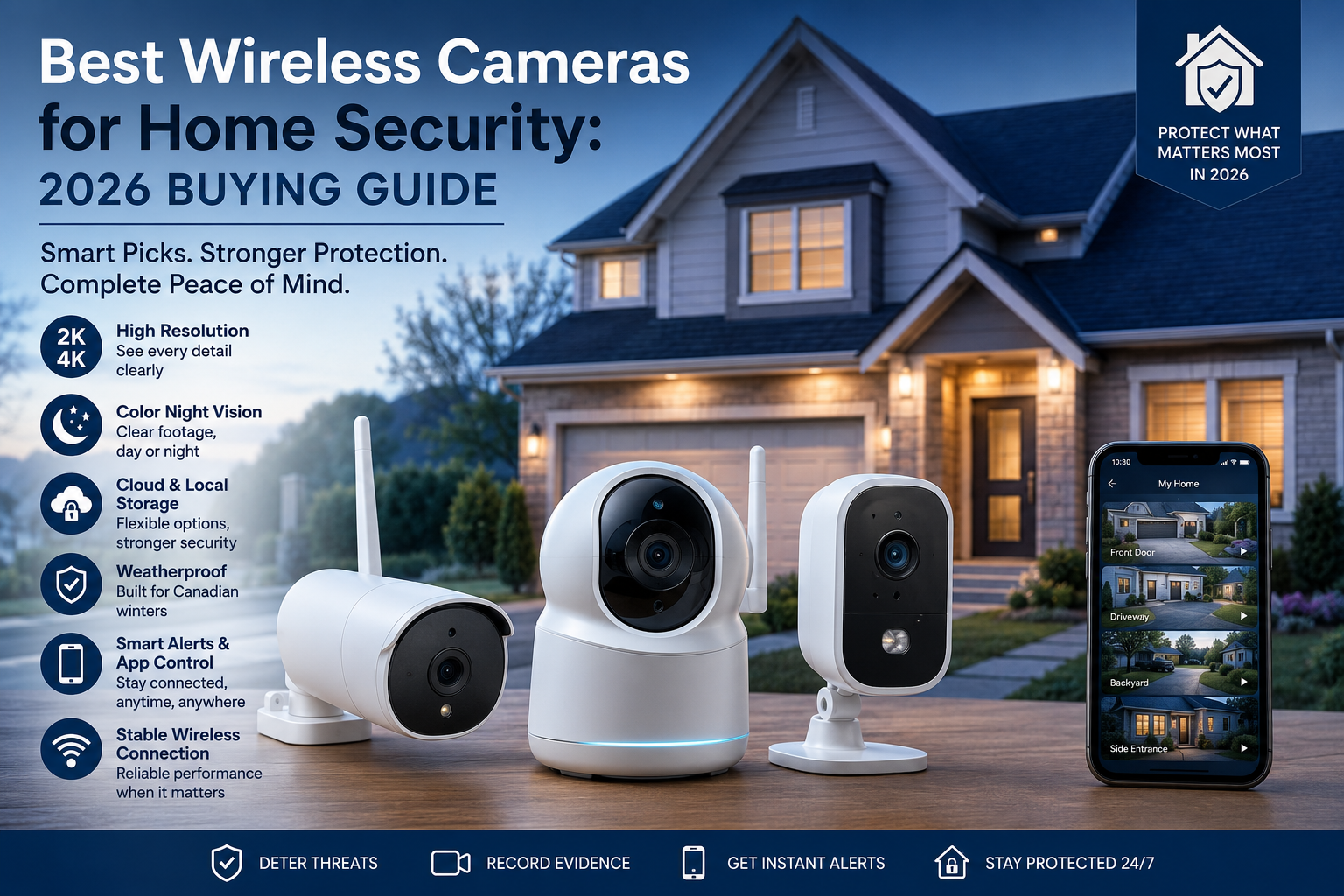
Walk into any electronics store or scroll through any marketplace, and you'll find dozens of wireless cameras for home security, all promising crystal-clear footage and total peace of mind. The problem isn't finding a camera — it's finding the right one for your property, your climate, and how you actually plan to use it.
This guide breaks down exactly what to look for before you buy, so you end up with a system that actually protects your home instead of one that looks good on a spec sheet.
Why Go Wireless in the First Place?
A wireless camera transmits video over Wi-Fi or cellular rather than through a physical data cable, which means no drilling through walls, no running conduit, and no rewiring if you move a camera to a better spot later. For most homeowners — and especially renters — that flexibility is the whole appeal of a wireless home security setup.
That said, "wireless" doesn't mean maintenance-free. Most wireless cameras still rely on a nearby Wi-Fi signal, and many run on rechargeable batteries that need periodic charging, so it's worth understanding the tradeoffs before you commit to a full system.
Key Factors to Look For in a Wireless Camera
1. Power Source: Battery vs. Plug-In
Wireless cameras are typically powered one of two ways:
- Battery-powered — no need for a nearby outlet, easiest to place anywhere, but requires periodic recharging (every few weeks to a few months, depending on activity and settings).
- Plug-in wireless — connects to power but still sends video wirelessly, meaning no battery maintenance but you're limited to spots near an outlet.
For entry points you check often, plug-in is usually more reliable. For a shed, detached garage, or a spot with no nearby outlet, battery power makes more sense.
2. Video Resolution
Look for at least 2K resolution, with 4K becoming the standard for anyone who wants to clearly identify faces or license plates rather than just confirm "someone was there." Higher resolution also uses more bandwidth and storage, so it's worth balancing image quality against your internet speed and storage plan.
3. Night Vision and Low-Light Performance
Most break-ins happen after dark, so night vision isn't optional. Look for color night vision (rather than standard black-and-white infrared) if you want footage that's actually useful for identifying someone, and check the effective range in metres — cheaper cameras often overstate this.
4. Weatherproofing for Canadian Winters
If any camera will sit outdoors, its IP rating matters as much as its resolution. Look for at least an IP65 rating, and ideally IP66 or IP67, plus a stated operating temperature that comfortably covers -20°C to -30°C. A camera that isn't rated for true Canadian winters can fail exactly when you need it most — during a cold snap or snowstorm.
5. Storage: Cloud vs. Local
Cloud storage usually requires a monthly subscription but protects footage even if the camera itself is stolen or damaged.
Local storage (SD card or local hub) avoids ongoing fees but means your footage is only as safe as the physical device.
Many homeowners choose a hybrid approach: local storage for day-to-day footage, with critical clips backed up to the cloud.
6. Field of View and Placement
A wider field of view means fewer cameras are needed to cover the same area. Look for at least 130–160 degrees on any camera covering a driveway, backyard, or wide entryway, and consider pan-tilt models for larger open spaces.
7. Smart Integration and App Control
Check whether the camera integrates with the rest of your security setup — alarm sensors, smart locks, and mobile app alerts — rather than existing as a standalone device you have to check separately. A wireless camera that talks to your alarm system is far more useful than one that only sends you a notification.
8. Wi-Fi Range and Network Security
Wireless cameras are only as reliable as the Wi-Fi signal reaching them. If you're placing a camera far from your router, look into a mesh Wi-Fi extender, and always put cameras on a separate guest network so a compromised device can't expose the rest of your home network.
Wireless vs. Wired: A Quick Reminder
Wireless cameras for home security are ideal for flexible placement, rental properties, and remote areas like sheds or detached garages. But if you need zero-latency footage, continuous power for lens heaters in extreme cold, or the highest possible reliability for a main entry point, a wired or hybrid setup is still worth considering alongside your wireless cameras.
How Many Wireless Cameras Do You Actually Need?
Most homes need coverage at the front door, back door, driveway, and any secondary entry points like a side door or basement walkout. For an average home, that typically works out to 3–5 cameras for full coverage — fewer if you choose wide-angle models, more if your property has multiple structures or a large yard.
Final Verdict: Which is Right for You?
The best wireless cameras for home security aren't necessarily the ones with the flashiest spec sheet — they're the ones matched to your property, your climate, and how you actually plan to monitor your home. Prioritize weatherproofing for Canadian conditions, decide early on cloud vs. local storage, and make sure whatever you choose integrates cleanly with the rest of your security system rather than sitting apart from it.
Not sure which cameras fit your property? Contact us at 1-800-466-3348 to speak with a security specialist today from United Security and get a free, no-obligation assessment.