 Canada

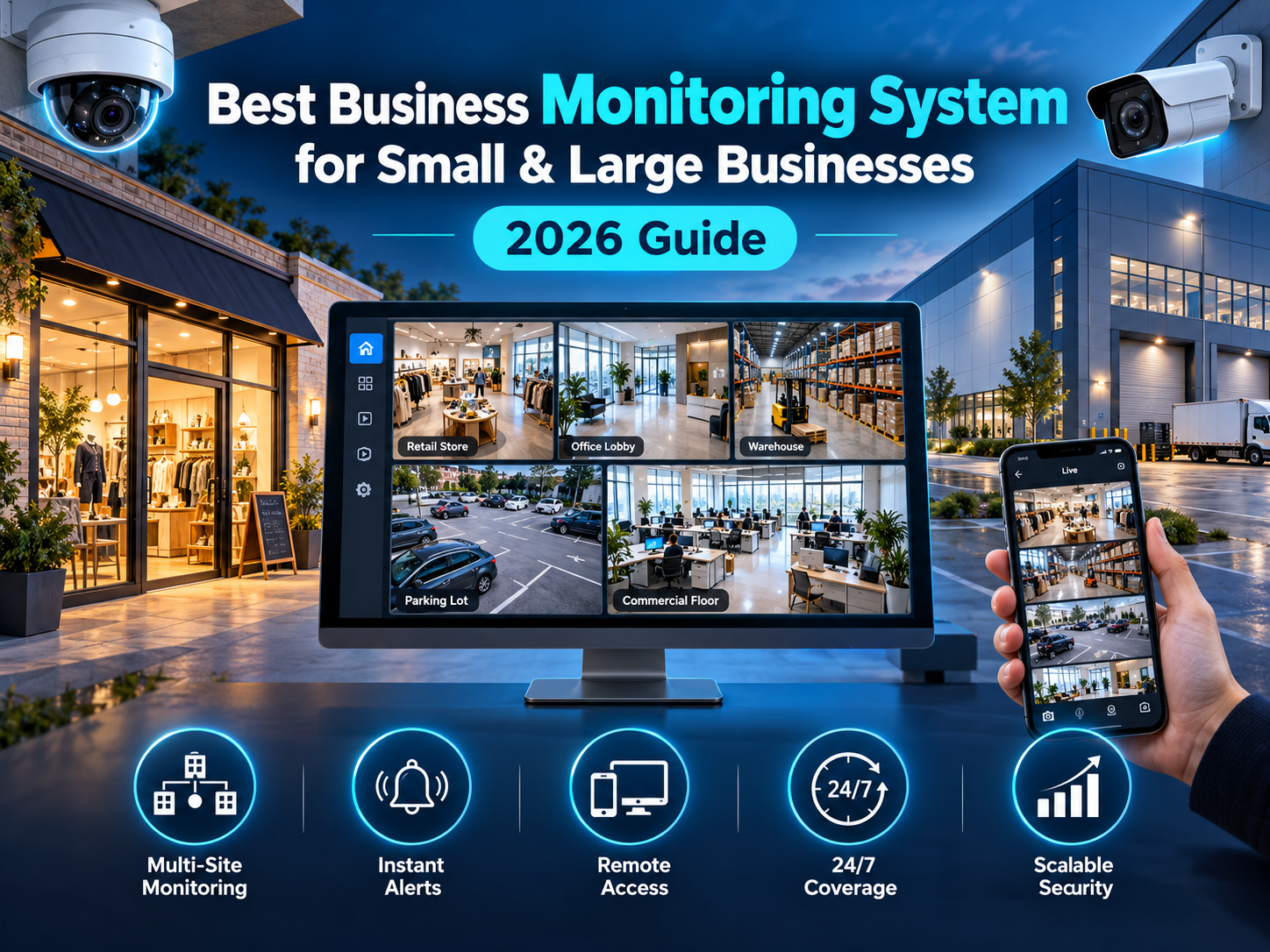
There's no shortage of companies claiming to offer the best business monitoring system, but the right choice looks very different for a single-location shop than it does for a multi-site operation. Features that matter enormously to one can be wasted spend for the other. This guide explains what actually separates a strong monitoring setup from a mediocre one, and how to match it to your business size.
Not sure whether you need monitoring at all? Start with our breakdown of the signs your business needs 24/7 security monitoring. And if you want the basics first, our guide on what a business monitoring system is and how it works covers the fundamentals.
What Makes a Business Monitoring System "the Best"?
The best business monitoring system isn't the one with the longest feature list. It's the one that reliably detects problems, verifies them quickly, and gets the right response moving, without burying you in false alarms or hidden costs. Across the commercial security industry, the same criteria come up again and again:
- A professional monitoring centre: trained operators watching your property around the clock, not just app notifications sent to your phone
- Video verification: operators can check camera footage before escalating, which cuts false alarms and unnecessary emergency dispatches
- Integration: alarms, cameras, and access control working as one connected system rather than separate tools
- Remote access: the ability to arm, disarm, and review activity from a phone or laptop
- Backup communication: cellular backup so the system keeps reporting if the internet or power goes down
- Scalability: room to add doors, cameras, users, or locations without replacing everything
- Transparent pricing: clear costs for equipment, installation, monitoring, and contract terms
- Proper credentials: a provider with recognized certifications and a track record you can verify
Types of Monitoring: Which One Do You Actually Need?
Not all monitoring works the same way, and the type you choose has a big impact on response quality.
| Monitoring Type | How It Works | Trade-Off |
|---|---|---|
| Self-monitoring | You receive alerts and decide what to do | Lowest cost, but depends entirely on you being available |
| Standard alarm monitoring | A monitoring centre receives alarm signals and contacts you or dispatches help | Reliable, but can't always tell a real threat from a false alarm |
| Video-verified monitoring | Operators review live camera footage before escalating | Faster, more accurate response and fewer false dispatches |
For most businesses, video-verified monitoring offers the best balance of accuracy and protection, particularly if false alarms have been a recurring problem.
Best Business Monitoring System for Small Businesses
Small businesses need strong protection without enterprise-level complexity or cost. A good fit usually includes:
- A professionally monitored alarm covering entry points, with door and window sensors and motion detection
- A few well-placed cameras at entrances, the cash-handling area, and any high-value storage
- Mobile app control so the owner can arm, disarm, and check in remotely
- Flexible, easy-to-understand contract terms rather than long commitments with hidden fees
- Simple user management, so staff can be given or denied access without calling a technician
For a small business, the priority is dependable after-hours coverage. The most common mistake is relying on a self-monitored setup that nobody is watching at 2 a.m.
Best Business Monitoring System for Large Businesses
Larger operations have more doors, more people, and more at stake, which changes what "best" means:
- Multi-site management: a single dashboard to oversee every location instead of separate systems for each one
- Access control integration: role-based permissions, audit trails, and the ability to revoke access instantly
- Video verification at scale: with more cameras and more events, false alarms get expensive fast, so verification matters even more
- Wired, PoE-based camera infrastructure for reliable, continuous coverage in critical areas
- Detailed reporting and logs to support compliance, investigations, and insurance requirements
- Redundancy: backup power and communication paths so one failure doesn't leave a site exposed
For large businesses, the priority is consistency and visibility across every site, with a system that scales cleanly as operations grow.
Small vs Large Business: Quick Comparison
| Factor | Small Business | Large Business |
|---|---|---|
| Main priority | Reliable after-hours coverage | Consistent control across multiple sites |
| Typical setup | Monitored alarm plus a few cameras | Integrated alarm, cameras, and access control |
| Management | Owner via mobile app | Centralized dashboard and admin roles |
| Key risk | Unmonitored alerts at night | Gaps and inconsistency between locations |
| Scalability need | Moderate, add a door or camera over time | High, new sites, users, and systems regularly |
What to Ask a Provider Before You Commit
Choosing a provider matters as much as choosing the equipment. Before signing anything, ask:
- Where is the monitoring centre, and is it staffed 24/7?
- What happens, step by step, when an alarm is triggered?
- Do you offer video verification?
- What certifications and licences do you hold? In Canada, this commonly includes ULC listing for monitoring and membership in recognized industry associations.
- What is the full cost? Equipment, installation, monthly monitoring, and any fees for service calls or changes.
- What are the contract terms, and what happens if I need to upgrade or move?
- What does maintenance and support look like after installation?
A provider who answers these clearly and without hesitation is usually a good sign.
Common Mistakes When Choosing a Business Monitoring System
- Choosing on price alone: the cheapest option often means weaker monitoring, limited integration, or costly add-ons later
- Skipping video verification: this leads to more false alarms, wasted dispatches, and alert fatigue
- Ignoring scalability: a system that can't grow with the business will need replacing sooner than expected
- Treating cameras as monitoring: cameras record events, but without someone watching, nothing responds in real time
- Not testing the system: even the best setup needs regular testing to confirm sensors, cameras, and communication paths still work
Final Verdict
The best business monitoring system is the one matched to how your business actually operates. Small businesses generally get the most value from a professionally monitored alarm with a few well-placed cameras and simple remote control. Larger businesses benefit from integrated, scalable systems with centralized management and video verification across every site. In both cases, true 24/7 professional monitoring is what turns equipment into protection.
At United Security, we design and monitor business security systems across the GTA, from a single storefront to multi-site operations, with alarms, cameras, and access control working together as one connected setup.
Want the right monitoring system for your business size? Contact us at 1-800-466-3348 to speak with a security specialist today from United Security and get a free, no-obligation consultation.